
Four ways to move a shade
Most homeowners who ask about motorized shades have the same first question: how do I actually make them move? The answer is that there is more than one way, and most houses use a mix. Knowing how motorized shades are controlled makes it much easier to decide which windows are worth motorizing and how you will use them day to day.
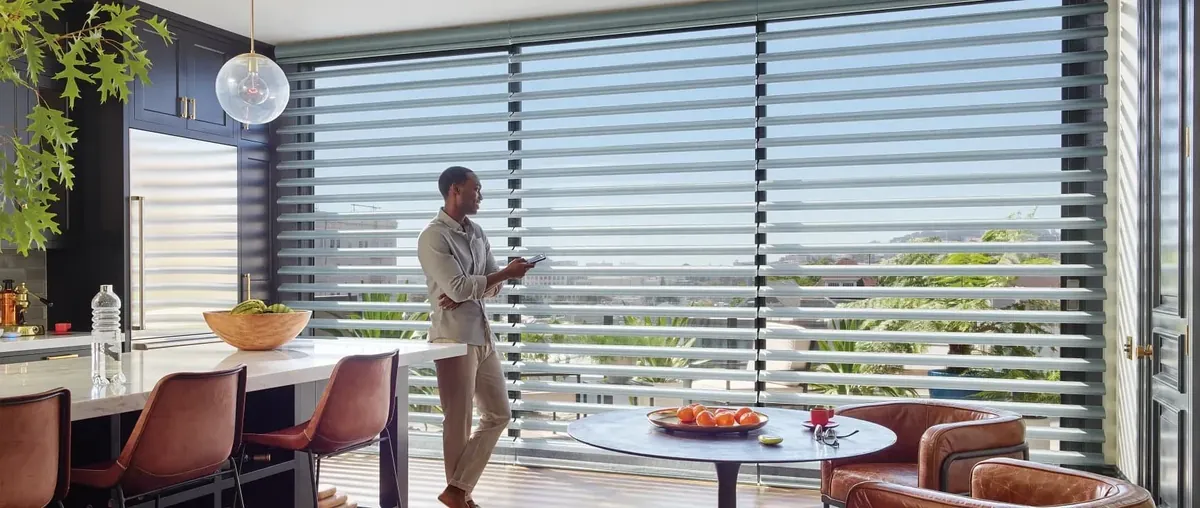
Hunter Douglas motorized shades run on PowerView, the Hunter Douglas system for moving shades without cords or wands. With PowerView, a shade can be moved from a handheld remote, from a control mounted on the wall, from an app on your phone or tablet, or by a schedule that runs on its own. Each one suits different rooms and different people.
The remote: simple and in the room
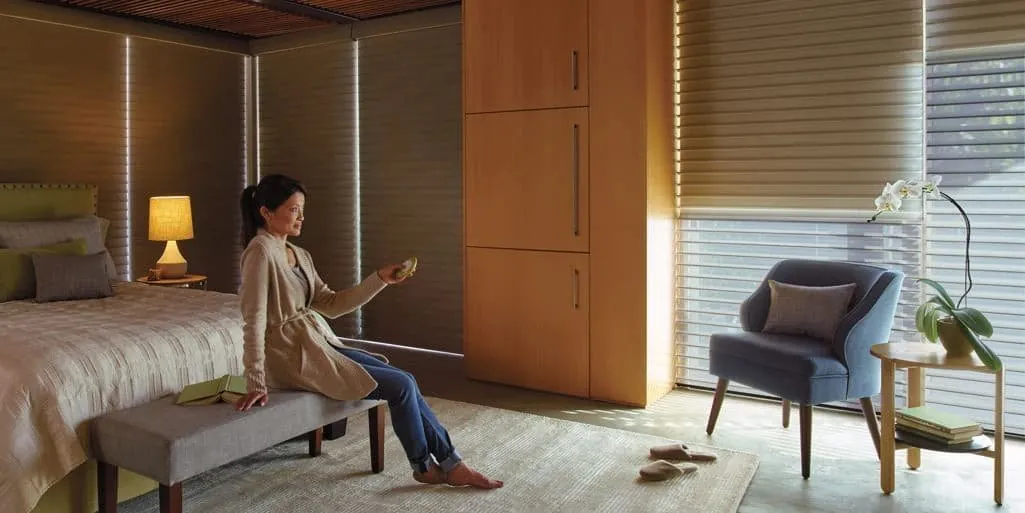
A handheld remote is the most familiar way in. You pick it up, choose the shade or group of shades, and raise or lower them. Many households keep one in each room that has motorized shades, much like a television remote.
Remotes suit rooms where you are usually sitting when you want to adjust the light: a family room, a bedroom, a home office. They are also the easiest option for anyone in the house who would rather not use a phone app, which is worth thinking about if grandparents or young children will use the shades too.
Wall controls: like a light switch
A wall control sits where a light switch would, often by the door of a room or at the bottom of a stair. It lets you move a shade or a set of shades as you walk in or out, without hunting for a remote.
These are handy in rooms people pass through more than they sit in, like a hallway, a foyer or a kitchen, and in rooms shared by several people. A wall control is always in the same place, which makes it the most predictable of the four for visitors and family alike.
The app: every shade from one screen
The PowerView app puts every motorized shade in the house on your phone or tablet. You can move a single shade, a room or the whole floor from wherever you are sitting. The app is also where you set up scenes and schedules, so even households that mostly use remotes tend to use the app now and then.
An app is the most flexible of the controls. It suits anyone who likes to adjust a few rooms at once, or who wants to check that the upstairs shades are down without climbing the stairs.
Scenes and schedules: shades that move on their own
The fourth way is not something you press at all. With PowerView you can group shades into scenes and set schedules so they move at times you choose.
- A scene is a saved position for a group of shades. “Morning” might lift the kitchen and family room shades. “Movie” might lower the great room shades halfway. “Night” might close everything on the ground floor. One tap, and every shade in the scene moves together.
- A schedule runs a scene at a set time, every day or on the days you choose. Bedroom shades might rise early on working days; the west-facing living room might lower in the late afternoon.
Schedules are where automation really earns its place, because the shades follow the day without anyone touching them. For a fuller look at planning them, see our window covering automation page.
Which control suits which window
How motorized shades are controlled in your house should follow the windows you have. Here are some of the patterns we see across our territories.
Foyer and great-room glass
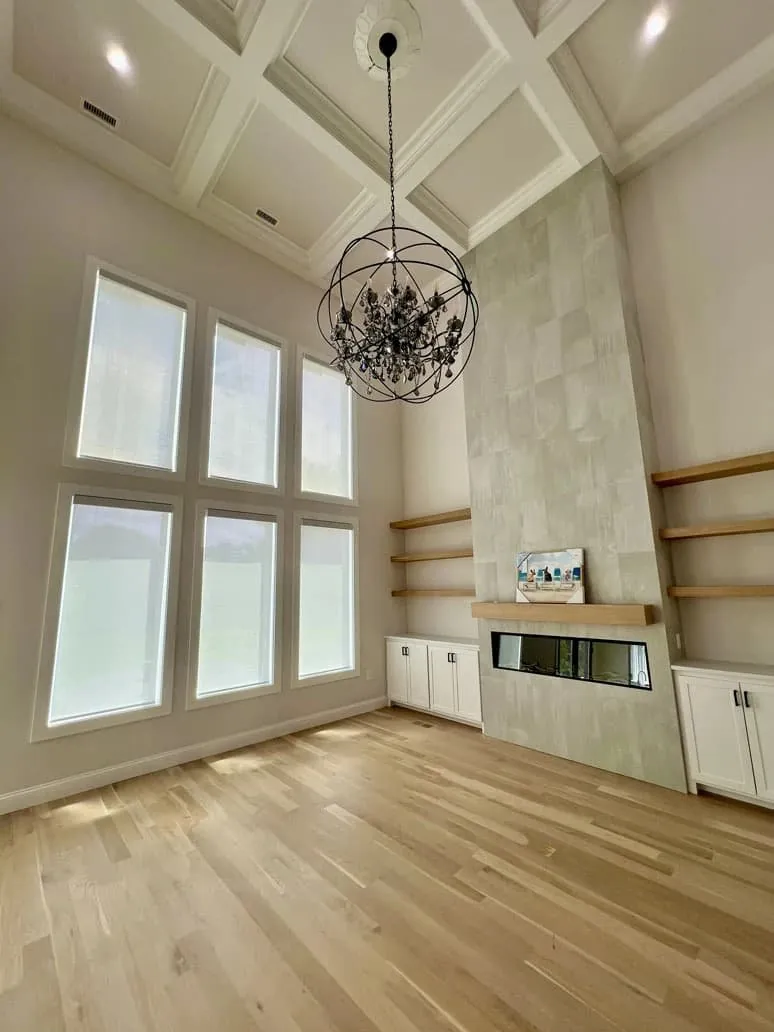
The large newer colonials in Franklin, Medway and Needham often have two-story foyers with upper windows nobody can reach. These are the classic case for motorization. A wall control at the foot of the stairs and a schedule for the sunniest hours usually cover them, with the app for anything in between.
Water-facing rooms
In Osterville, Chatham and Marion, rooms facing the water can be mostly glass, often with several shades side by side. Grouping them into one scene keeps them moving together, and a schedule can lower screen shades at the hour the glare comes off the water.
Triple-decker apartments
In New Bedford, Fall River and Woonsocket, the tall, narrow windows of mill-era triple-deckers often come in rows. A remote that moves the whole row at once saves walking from window to window, and a bedroom schedule handles privacy at night.
Antique capes
The small, deep-set sash along Route 6A and in Sandwich and Hingham can be awkward to reach behind a deep sill or a piece of furniture. A remote or the app solves that, without any cord hanging inside the old casing.
Mixing controls in one house
Very few houses rely on a single control. A typical setup might be a wall control by the front door for the foyer shades, a remote on the nightstand in the main bedroom, the app for anyone who likes it, and a couple of schedules running quietly in the background. Each control moves the same shades, so nobody has to use the one they like least.
That is really the answer to how motorized shades are controlled day to day: whichever way is nearest. In the morning you might let a schedule open the kitchen. In the afternoon you might grab the remote to drop the family room shades halfway. At night a single wall press closes the ground floor. Thinking about your own routine, room by room, is the best preparation for the visit, because it tells us which controls belong where.
If you are not sure yet, start simple. A remote and the app cover most needs, and wall controls or extra schedules can be planned in as you get used to how motorized shades are controlled in your rooms.
Planning the controls at the visit
Motorization goes best when the controls are planned with the rooms, not added at the end. At an in-home consultation we look at:
- Which windows are hard to reach, and which you adjust most often.
- Who in the house will use the shades, and whether they prefer a remote, a wall control or the app.
- Which shades should move together as scenes.
- When the sun becomes a problem in each room, for any schedules.
- How each motor will be powered, which we plan window by window.
You then get a free estimate. Our certified Hunter Douglas installation covers fitting the shades, and we show you how to use the controls you chose.
Shades you can motorize
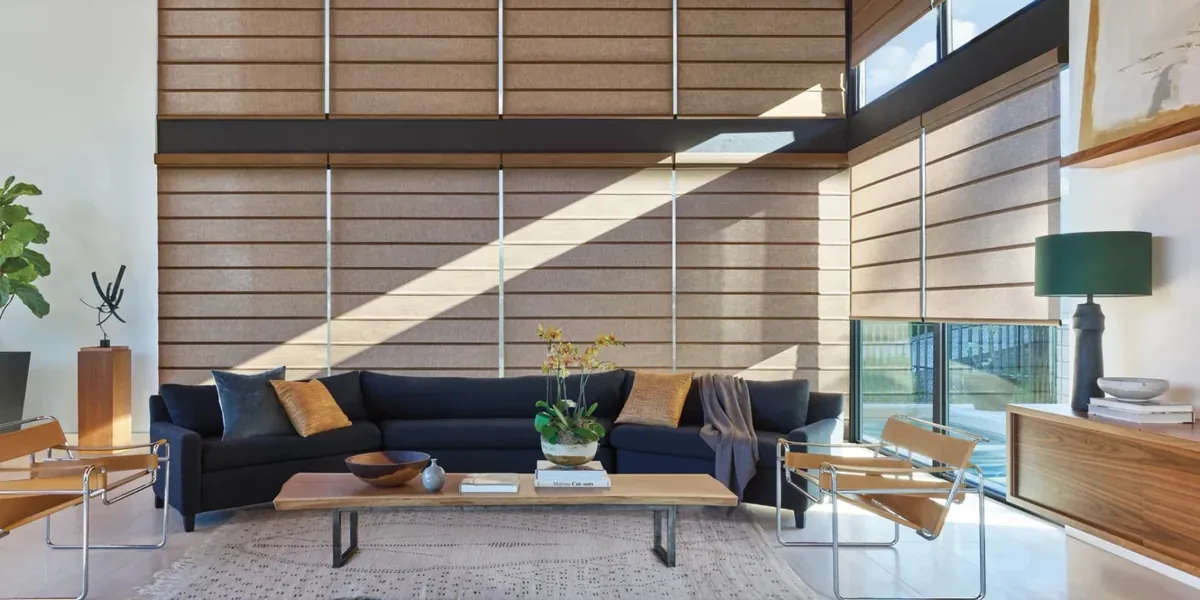
Motorized blinds and shades
PowerView options across the Hunter Douglas range.
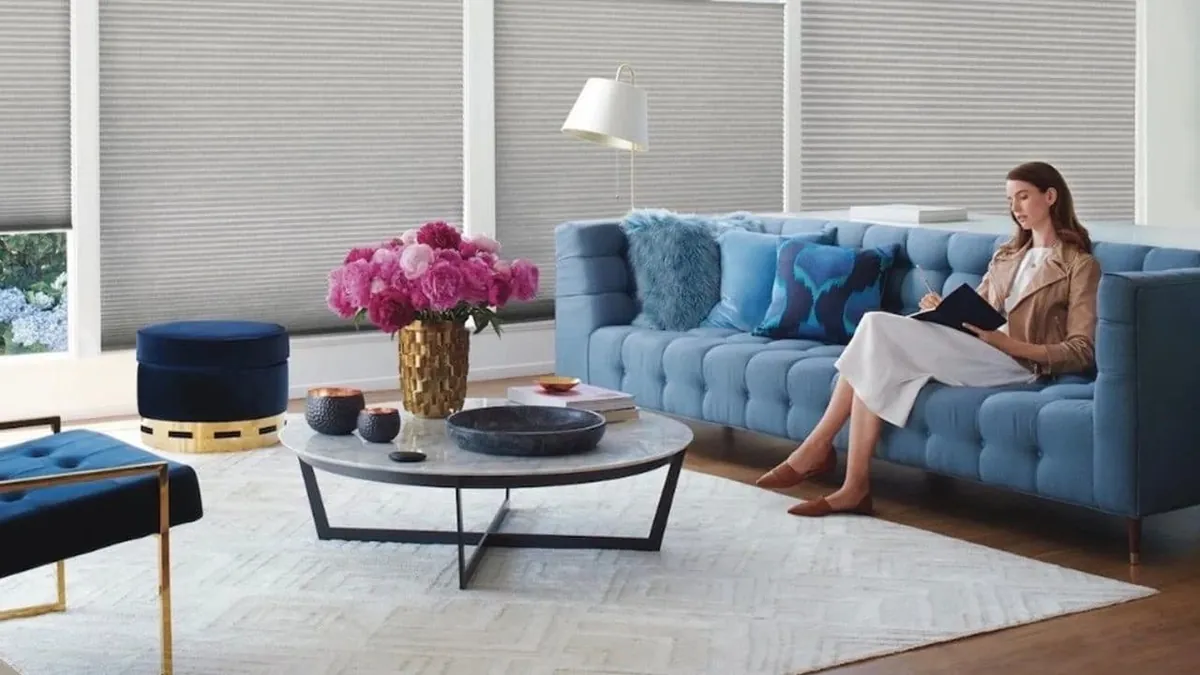
Cellular shades
Honeycomb shades that hold warmth, with motorized control.
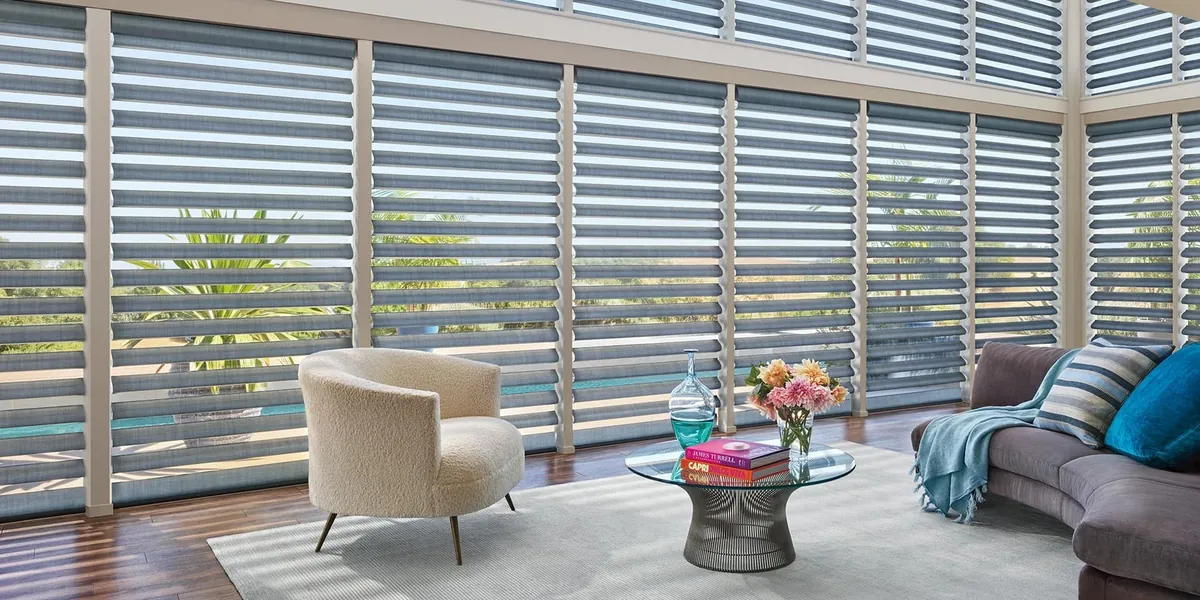
Sheer shades
Soft vanes you can tilt from the app or a remote.
Questions about controls
Do I need a smartphone to use motorized shades?
No. A remote or a wall control works without a phone. The app adds scenes and schedules and lets you move every shade from one screen.
Can I still move one shade on its own?
Yes. Any shade can be moved alone, even if it is also part of a scene with others.
Can I change a schedule later?
Yes. Schedules and scenes are set in the app and can be changed whenever your routine or the season changes.
Can motorization be added to some windows and not others?
Yes. Many houses motorize only the hard-to-reach or most-used windows and keep the rest manual. We help you decide which are worth it.
How do I learn to use it all?
We go through how motorized shades are controlled with you once they are fitted, using the controls you chose. If anything stops working later, we look after repairs too.
See it working first
Request a consultation and tell us which windows you would like to motorize. We will talk through the controls with you at your windows and give you a free estimate. You can also visit the North Dartmouth showroom, or reach it with the call button at the top of the page.